A visual tour of gugiboard: boards, Baby Games and Little favorites
Sometimes the easiest way to understand a play platform is simply to look at it. These screenshots were taken on a phone at gugiboard.com and show what your child sees and what you, as a parent, can control.
The Home screen: everything in one place
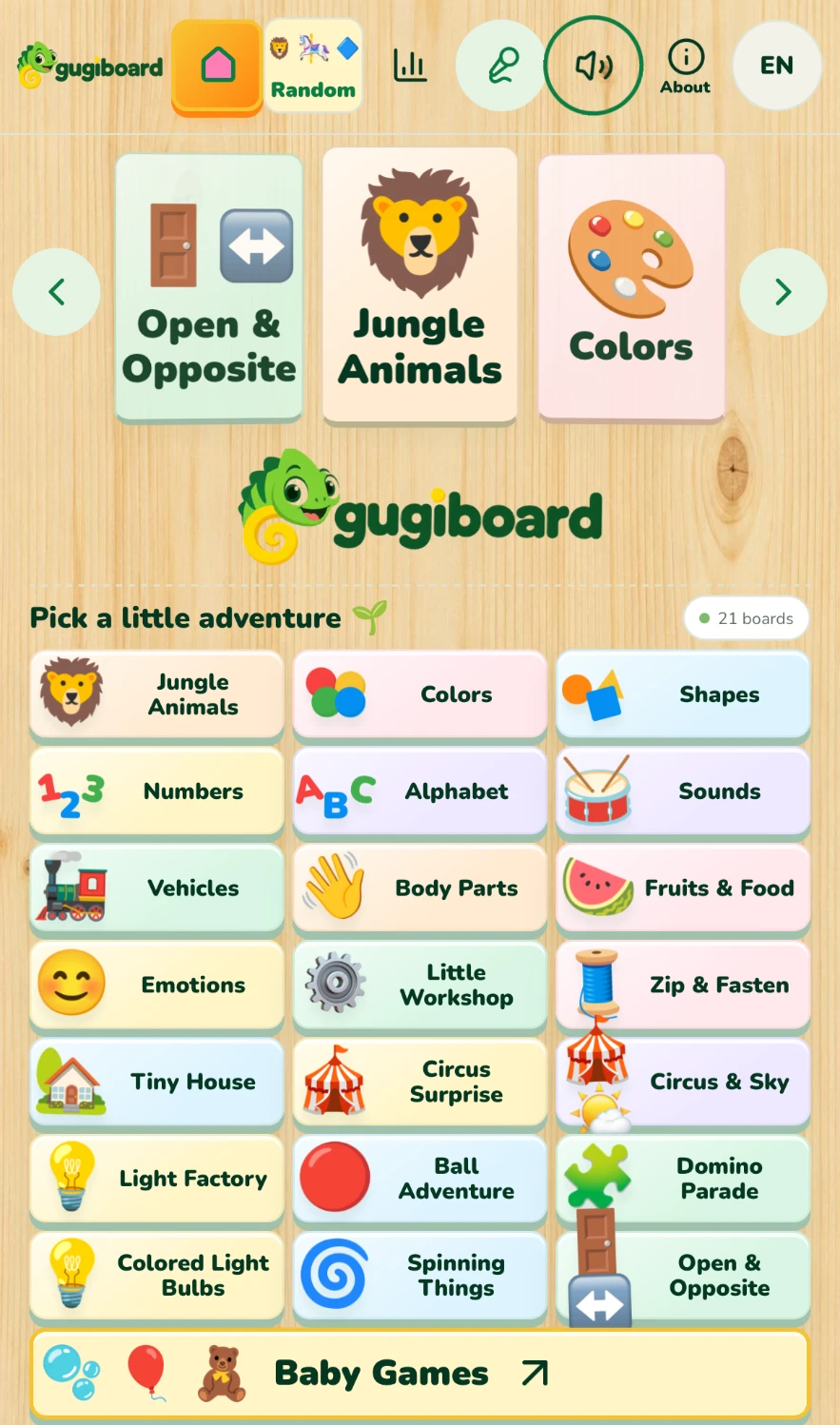
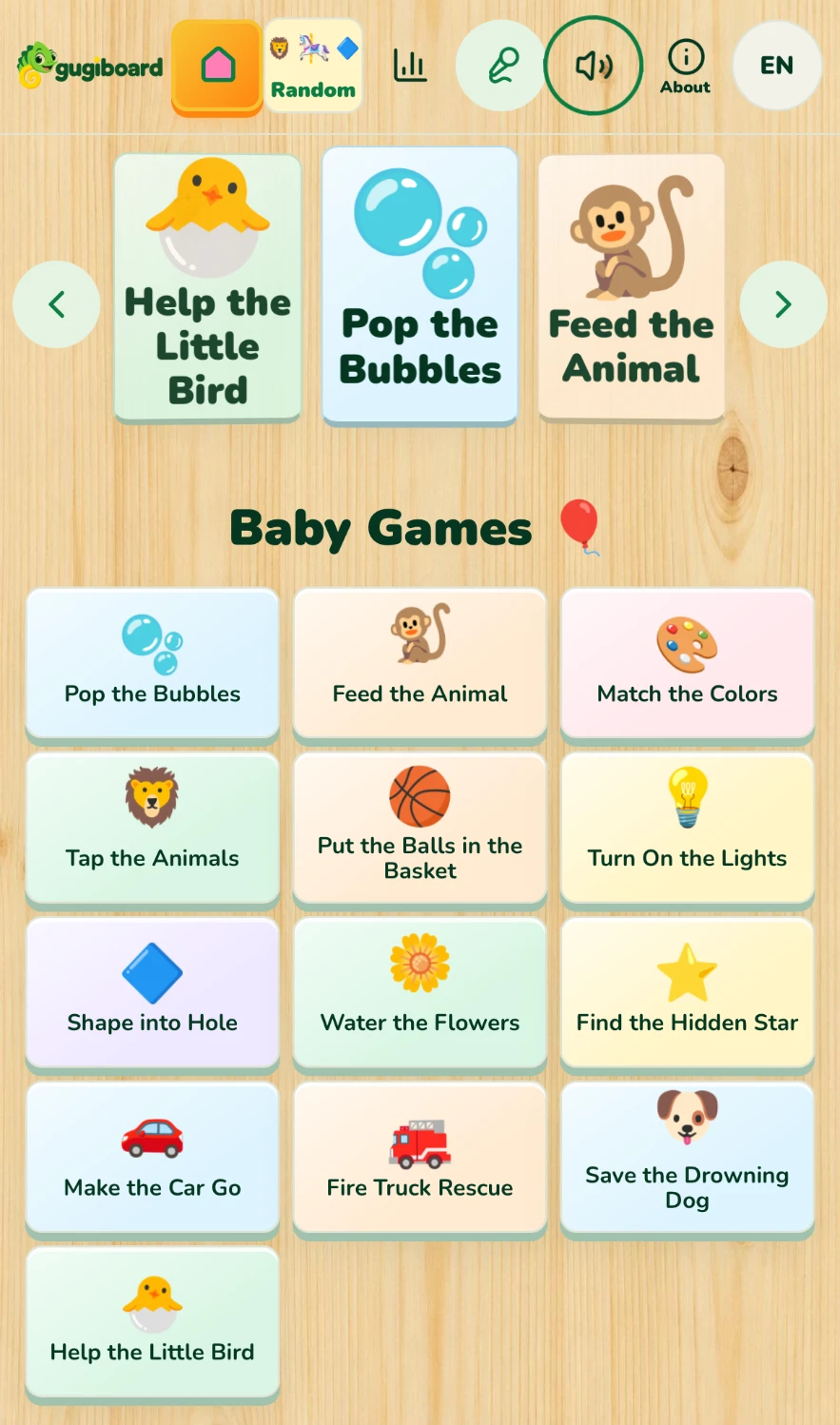
Home opens with a 3D carousel of boards at the top, the colorful chameleon logo in the middle and a grid of all 21 boards below it. Every tile has a big picture and a short name, so even very young children can choose by pointing at what they like. The large Baby Games button at the bottom leads to the games section.
The toolbar is always visible: Home, Random (which changes the board every few seconds), Little favorites, the voice picker, the music speaker, About and the language switch between English and Spanish.
Learning boards: animals, letters and more
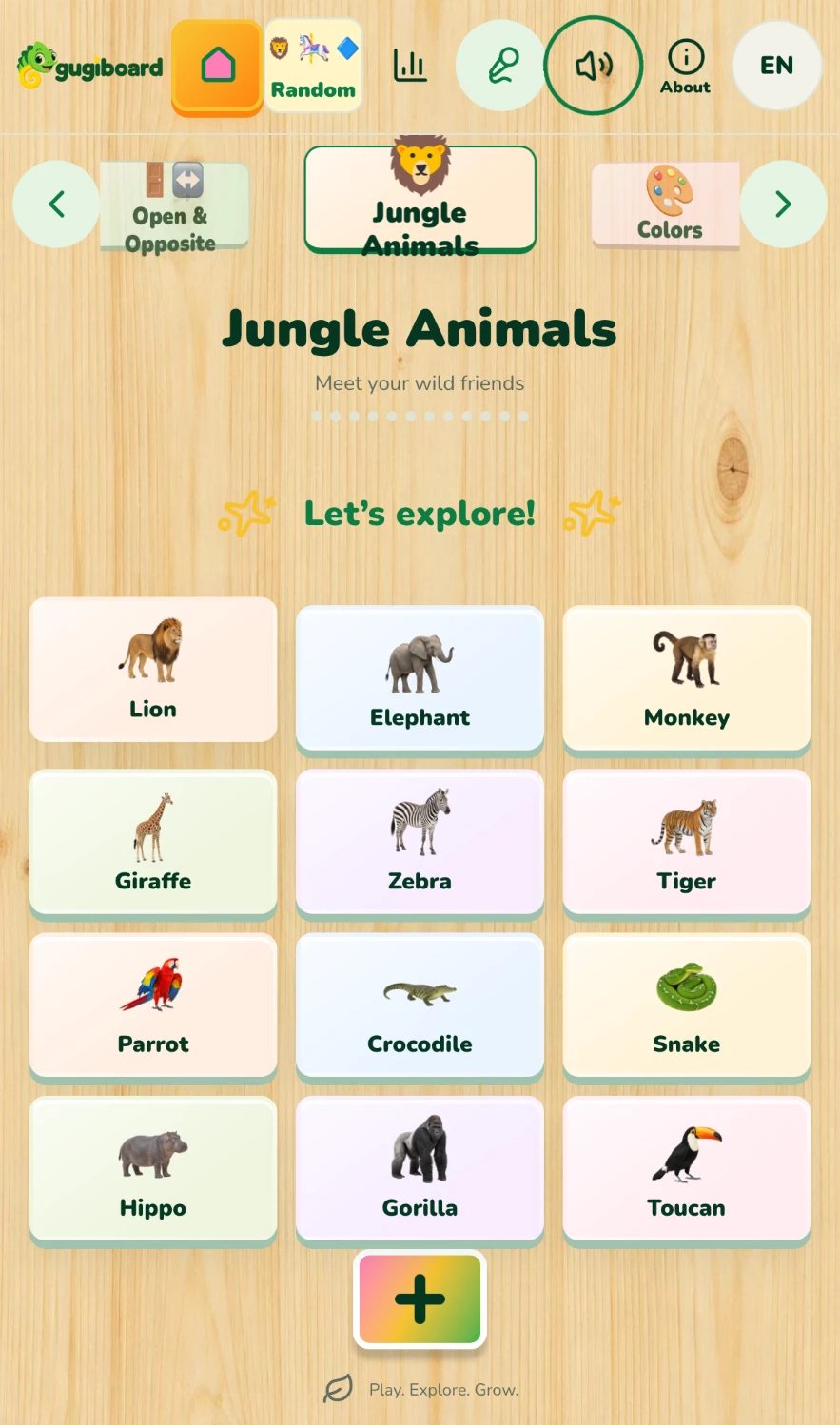
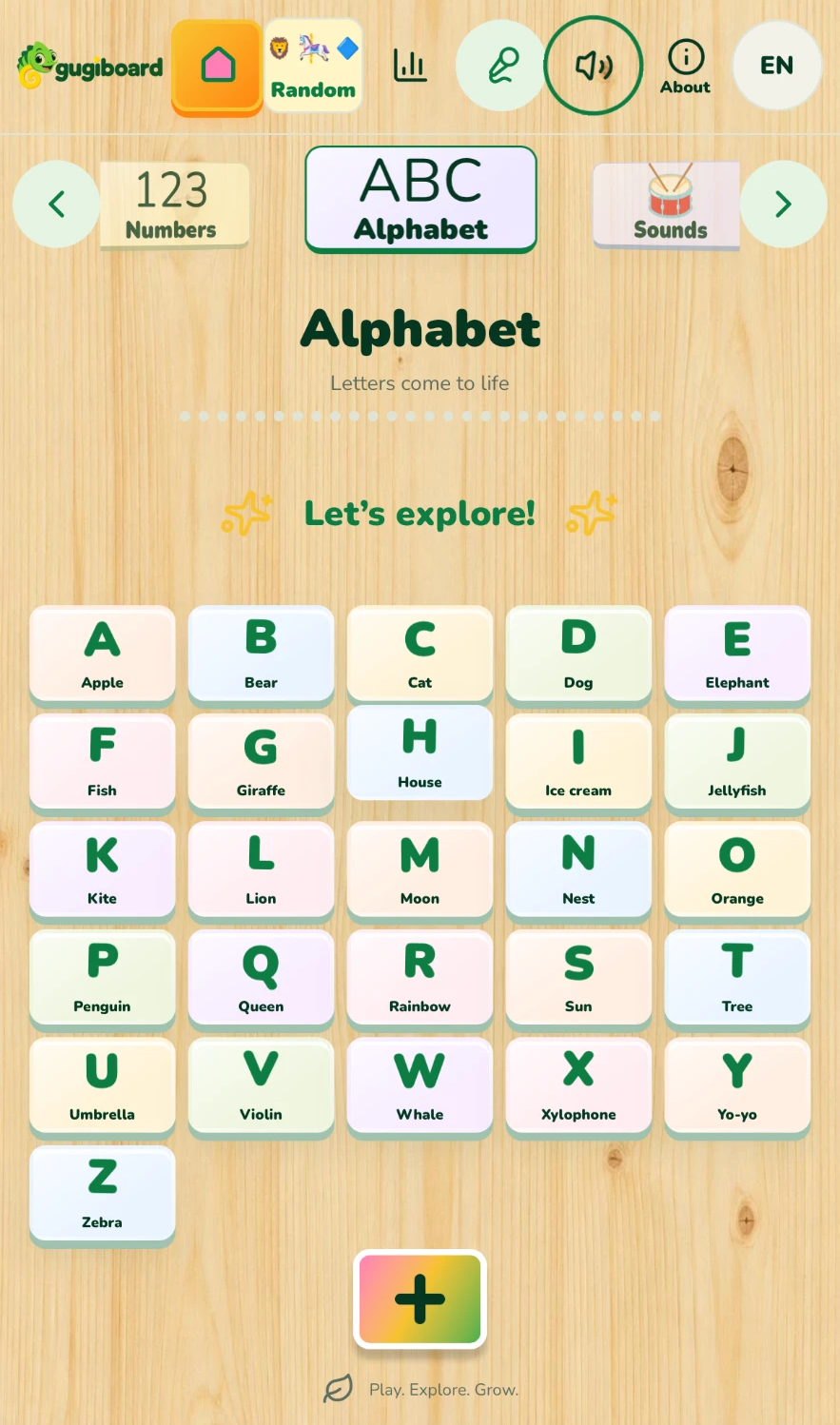
On Jungle Animals each tile shows a realistic animal. A tap says its name in the chosen voice and language and makes the picture bigger for a moment. The Alphabet board pairs every letter with a familiar word—A for Apple, B for Bear—and in Spanish it includes the letter Ñ.
Each board ends with a colorful “+” button that opens an extra scene with new content, so a single topic can be explored twice in different ways.
Baby Games: short, kind challenges
Baby Games groups thirteen simple activities such as Pop the Bubbles, Feed the Animal, Match the Colors, Turn On the Lights and Water the Flowers. Each game has one clear goal and celebrates with confetti, balloons and cheerful words when it is finished.
After a short pause the next game opens on its own, so a toddler who cannot read menus can keep playing without help.
Rescue stories with a happy ending
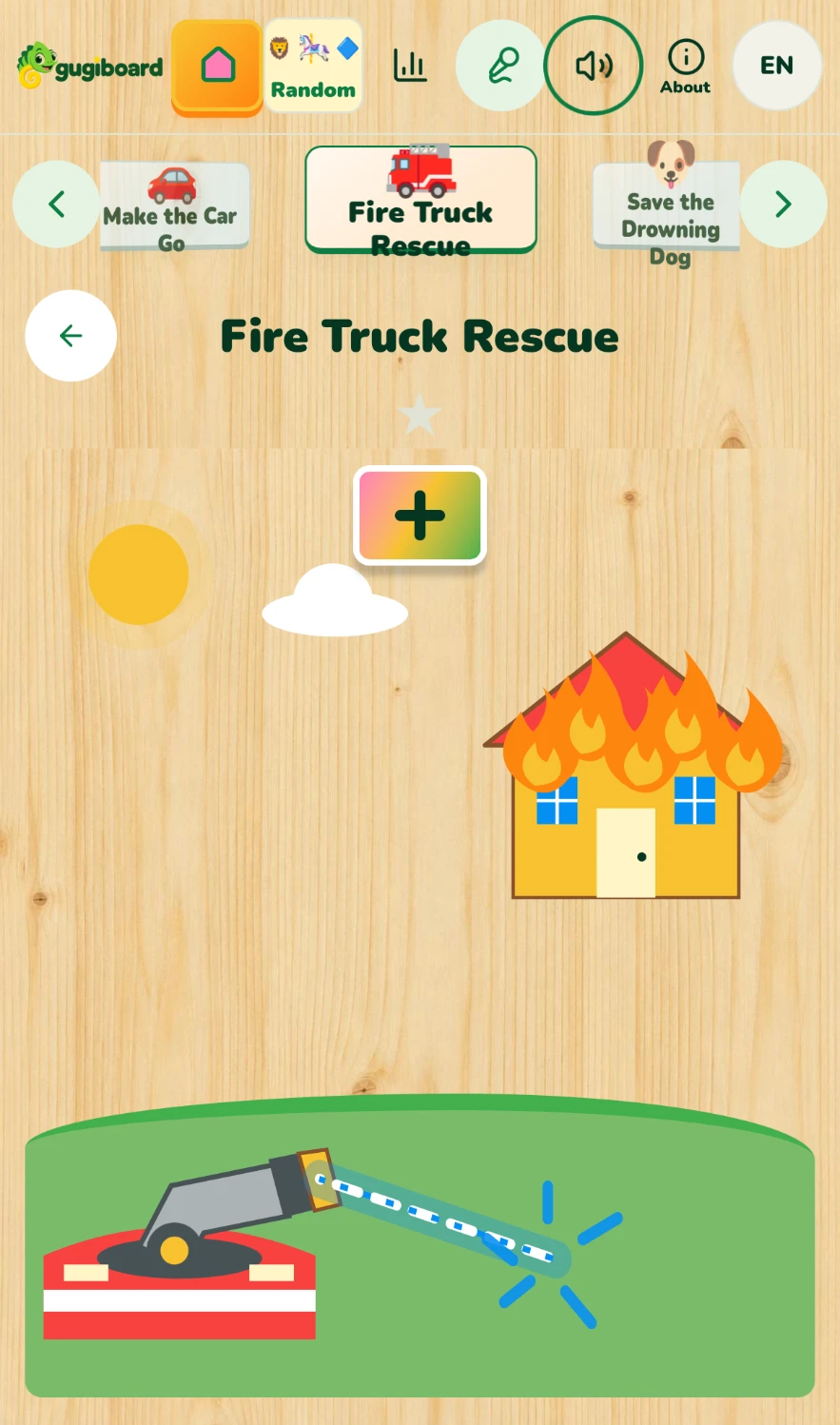
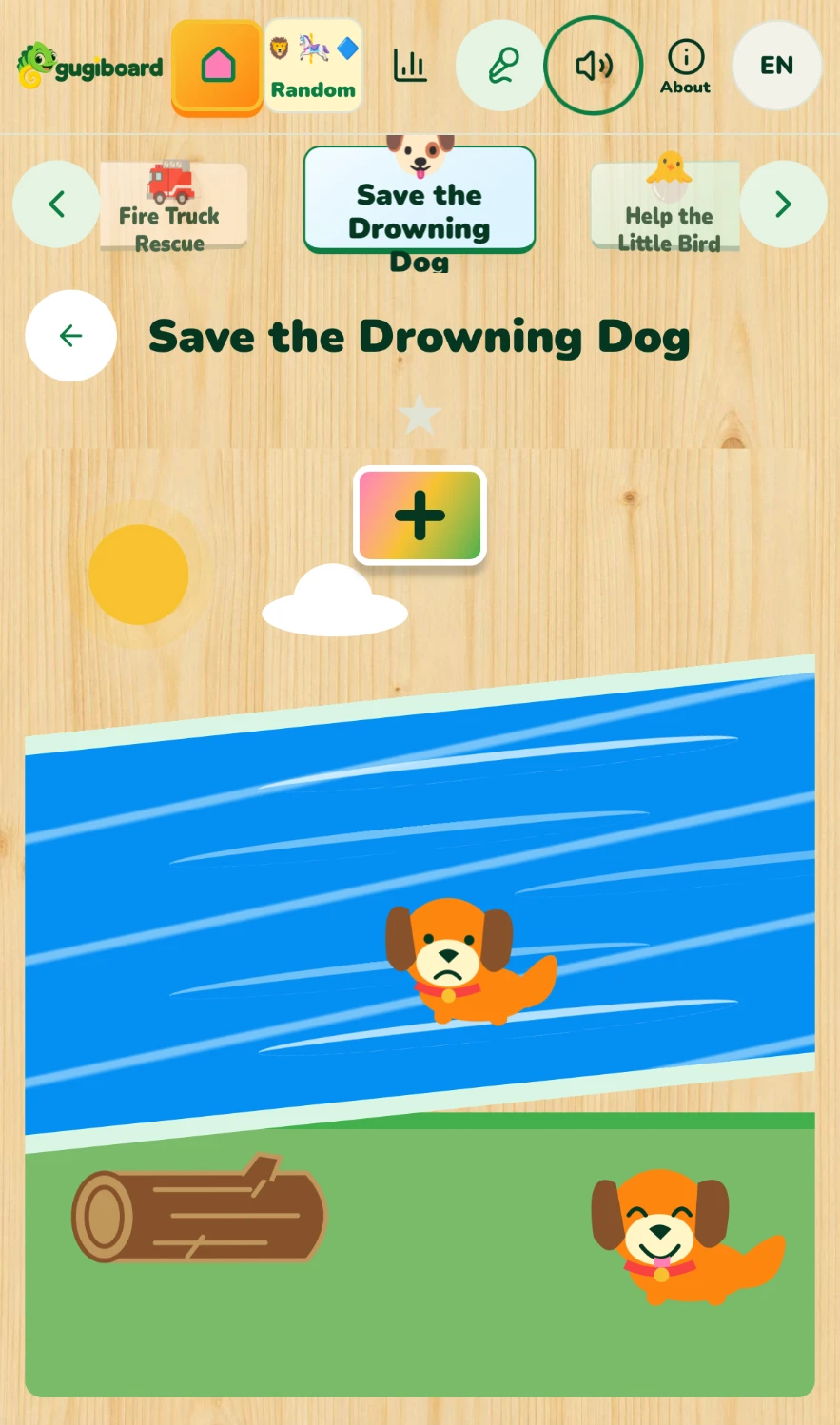
In Fire Truck Rescue your child drags the hose upward to aim the water at the burning house until every flame goes out and the family comes out to hug. In Save the Drowning Dog the puppy is helped across the river with a log to meet its friend. These stories model helping others in a simple, reassuring way.
Little favorites: what your child taps most
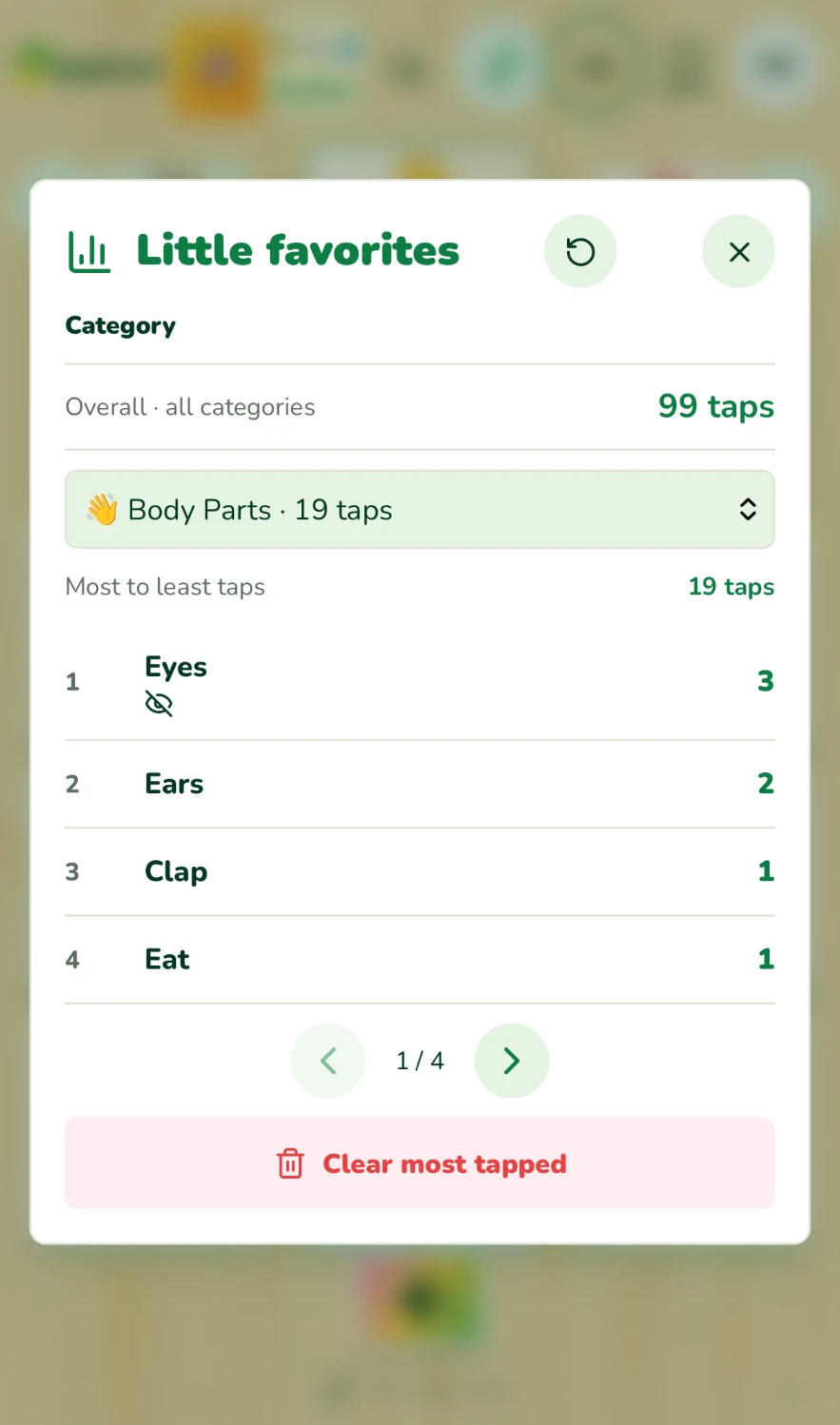
The Little favorites report counts taps on this device and ranks them per category, with an overall total. In the screenshot, Body Parts has 19 taps and Eyes is the most tapped target. With “Clear most tapped” a parent can hide that favorite, inviting the child to explore something new. Nothing is lost: the history stays, and the restore button brings the targets back.
Try it together
The best way to use these screens is side by side: name what appears, celebrate small successes and stop when interest fades. gugiboard works in the browser, needs no account and keeps play history on your device.
Source and privacy
More play ideas
- Toddler browser games: a caregiver’s guide to shared play
- Colors and shapes for toddlers: simple ways to play together
- English and Spanish animal play: words, sounds and movement
- Play that moves on by itself: auto-advance and idle friends
- See what your toddler taps most—and hide it with one tap
- First words with jungle animals: lion, elephant, monkey and friends
- Alphabet play in two languages: from A for Apple to Ñ
- Happy, sad, surprised: naming feelings with toddlers
- Eyes, nose, hands: body parts games for toddlers
- Kindness through play: rescue stories for little helpers
- Cause and effect: why busy boards fascinate babies
- Music and sounds for babies: instruments, animals and soft songs
- Wake up to bedtime: teaching daily routines with Tiny House
- Tap, drag, draw: little fingers and fine motor play
- Healthy screen habits for toddlers: short, shared and balanced
- Play ideas by age: how gugiboard grows with your child from 0 to 7
- Counting with stars: first numbers through play
- Red, blue, yellow: learning colors step by step
- Circles, stars and hearts: finding shapes all around us
- Raising bilingual children at home: simple daily habits
- Sensory play for babies: lights, sounds and gentle movement
- gugiboard for children aged 4 to 7: from play to early learning
- “Great job!”: celebrating effort, not just results
- Calm moments: helping little ones through big feelings
- Meet the gugiboard chameleon: friendly characters that invite play